
Local document verification is a type of identity verification where users do not need to upload ID documents. Instead, their identity is verified directly through official sources such as government-issued identification.
For Nigerian users
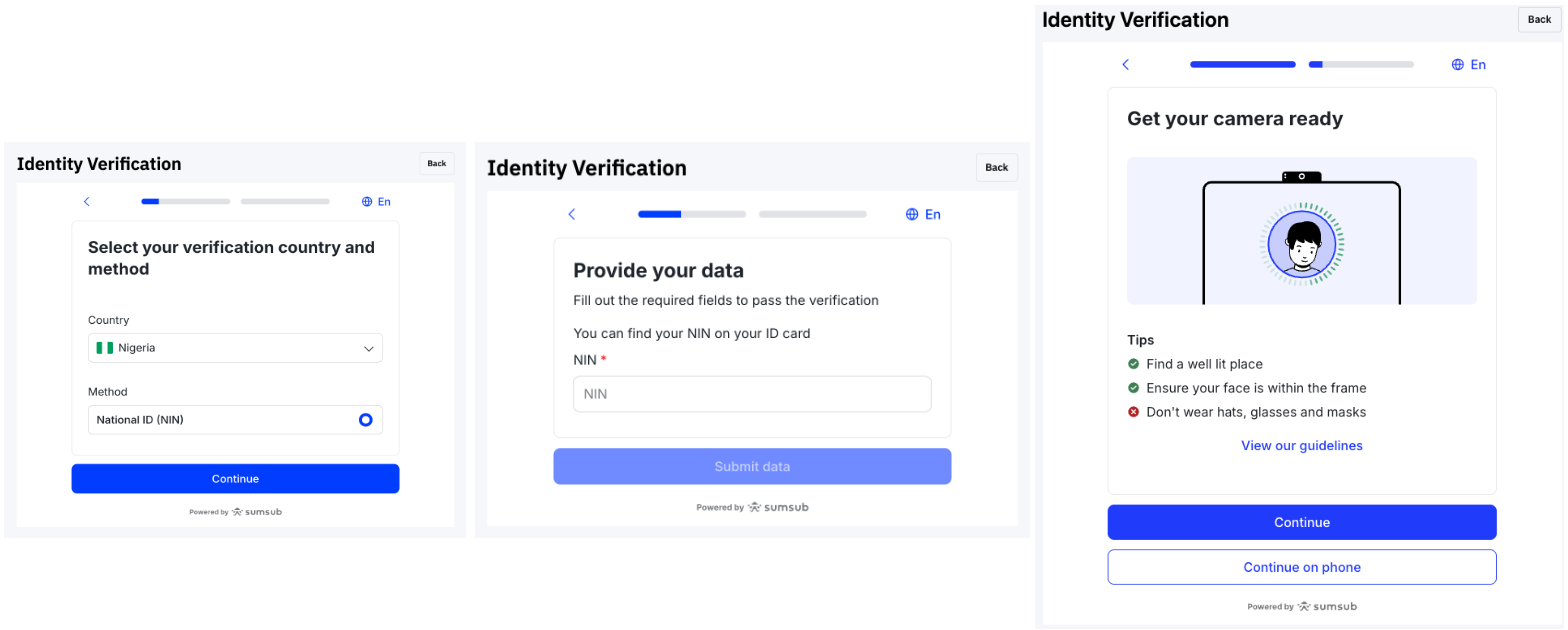
Two (2) local document verification types are supported for Nigerian residents: Bank Verification Number (BVN) and National Identification Number (NIN).
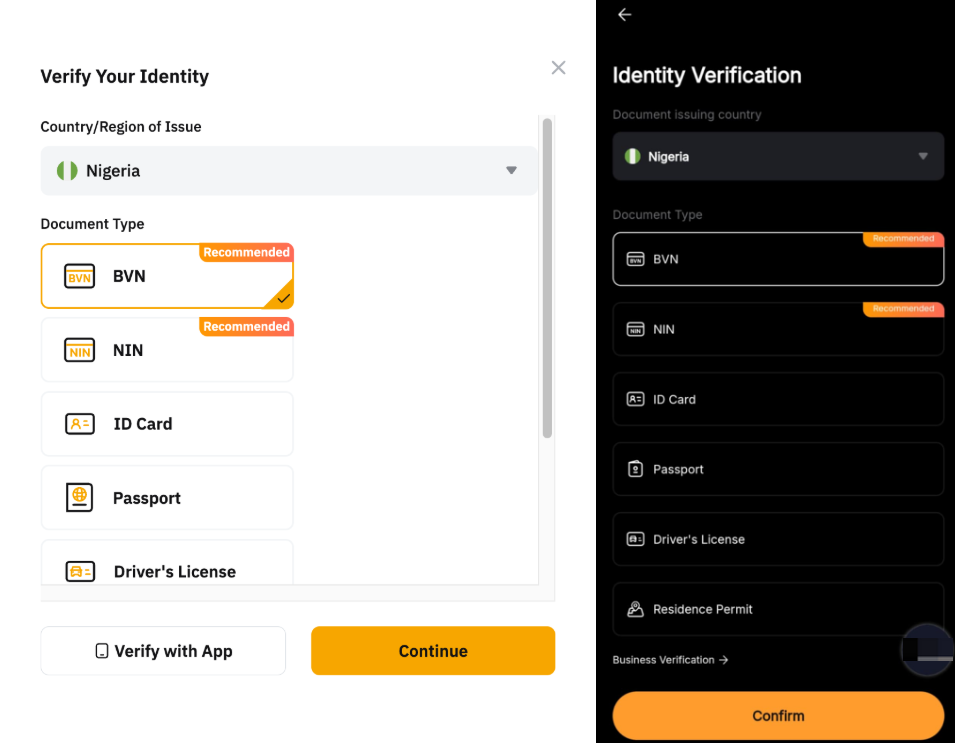
The table below outlines the verification process for each type of document.

For Indonesian users
Residents of Indonesia can complete identity verification using the local document type: Nomor Induk Kependudukan (NIK).
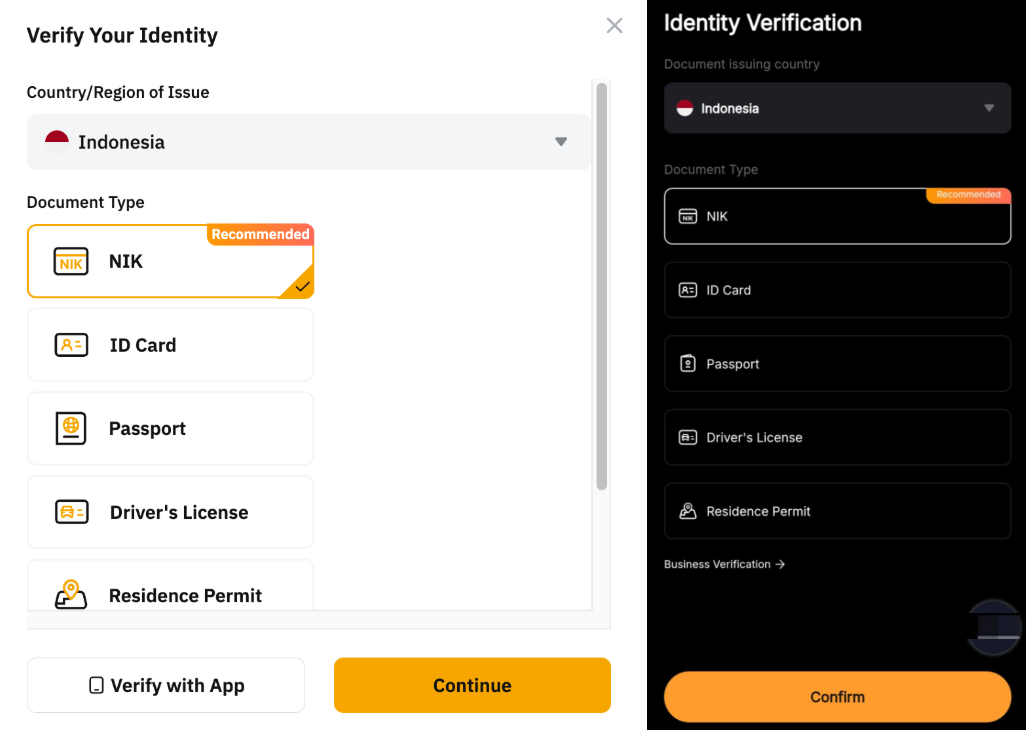
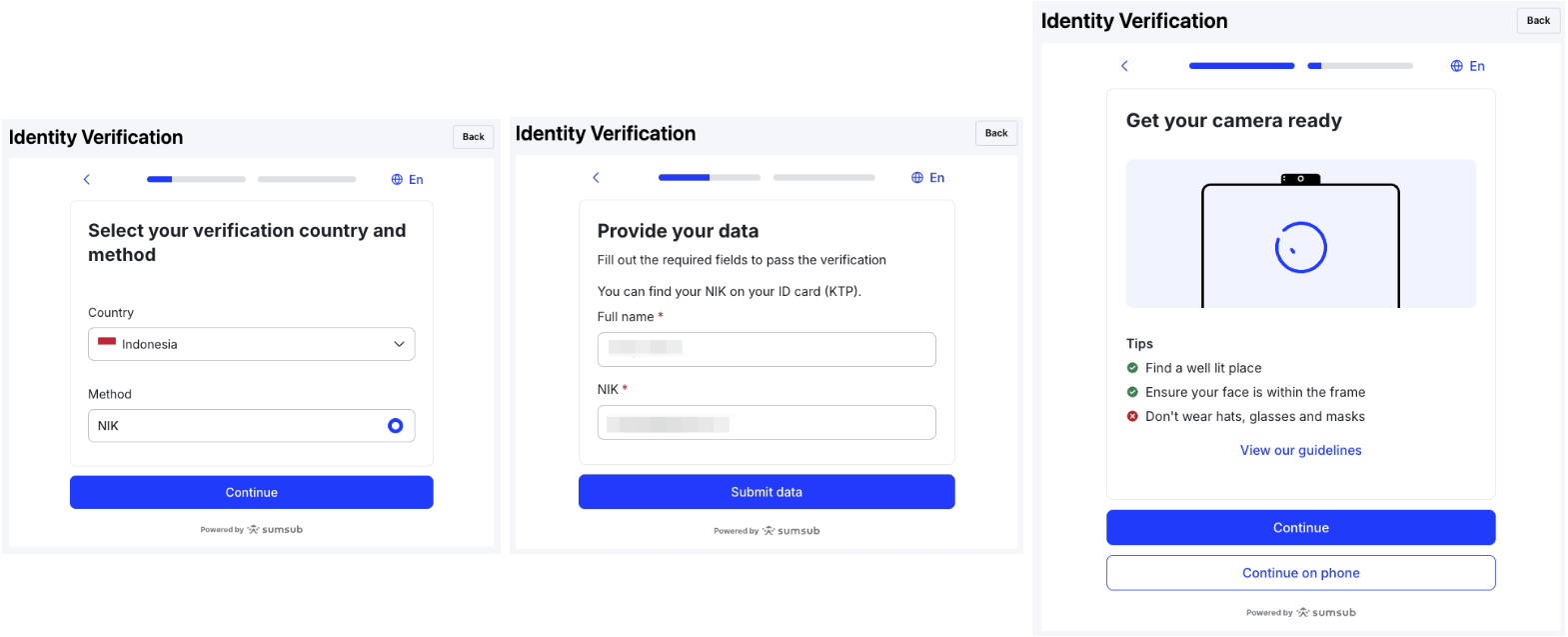
The verification process is as follows:
a. Select your verification country and method.
b. Fill in your full name and NIK number.
c. Complete the liveness verification.
For Indian users
Indian residents can complete the identity verification using their Aadhaar Number.
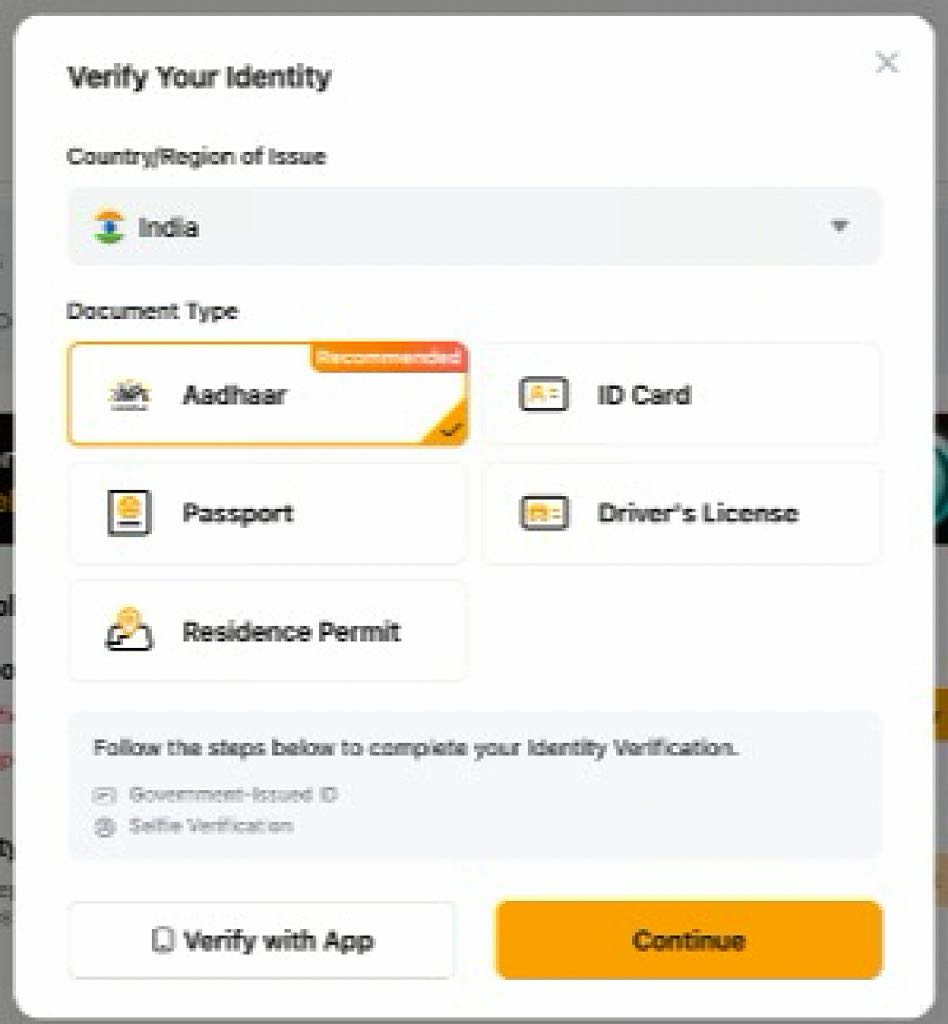
Refer to the following verification process:
a. Login to your DigiLocker account to complete the identity verification process.
b. Enter your Aadhaar number.
c. Enter the OTP number and PIN code.
d. Complete the liveness verification.
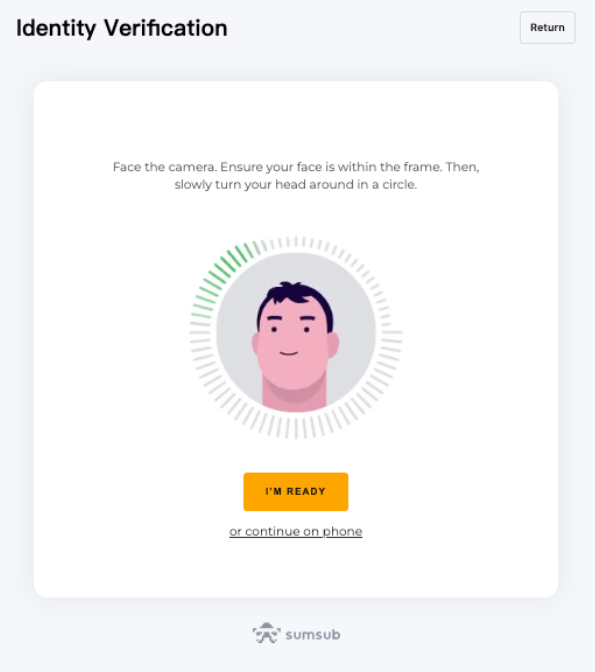
Note: If you are unable to receive the OTP, we recommend reaching out directly to DigiLocker customer support via their official website for further assistance.
In addition, Indian citizens will need to complete a set of personal questionnaires and Permanent Account Number (PAN) verification as part of the Standard Verification process.
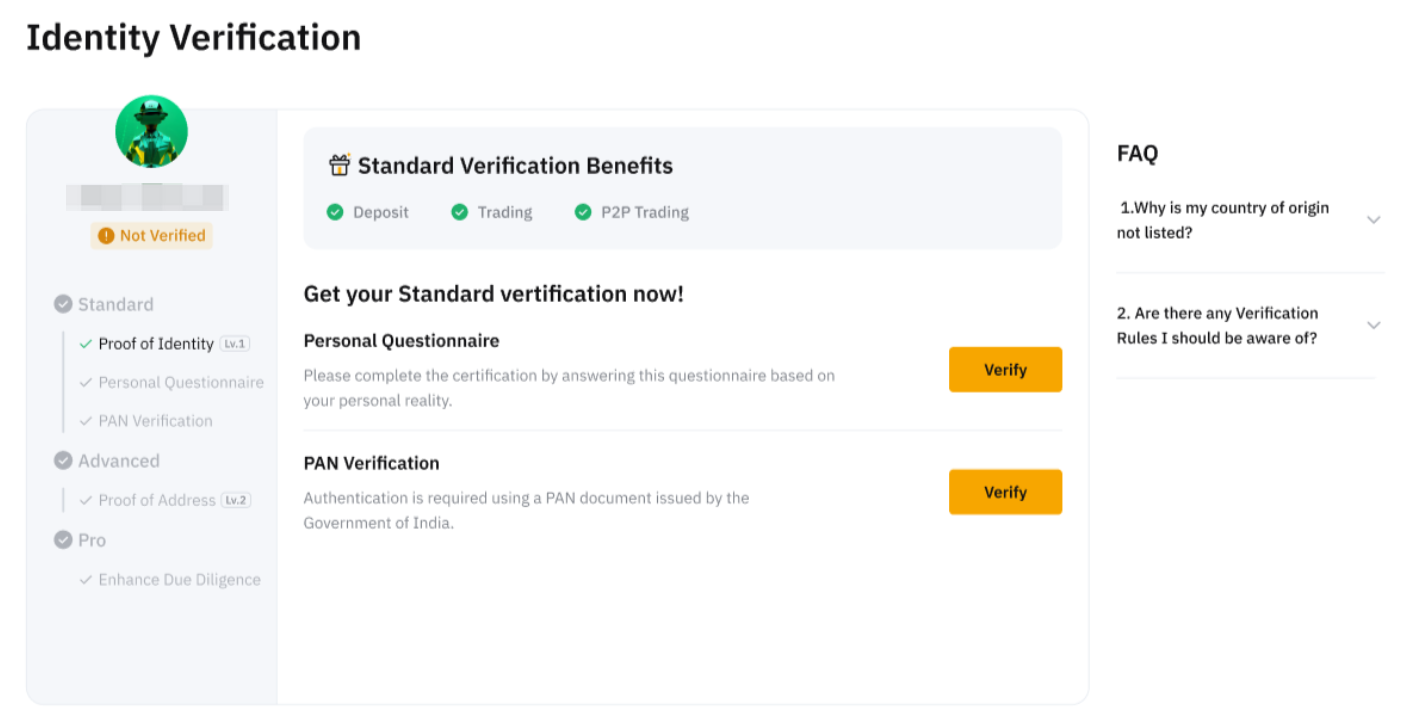
Notes:
— PAN is a unique 10-character alphanumeric identifier issued by the Income Tax Department of India.
— PAN can only be linked to one Bybit account. Once an account has been verified with PAN, the account information cannot be transferred to another account. If needed, please manually update your KYC details on the Update Identity Document page.